Industry Insights
Worldox End-of-Life: What Teams Should Look for in a Replacement
Published on May 13th, 2026

For many firms and document-heavy organizations, Worldox has been a familiar part of daily operations for years. But with support ending, many teams are now facing the same question:
What comes next?
For some organizations, replacing Worldox is not just a software upgrade. It is an opportunity to fix long-standing problems around document control, approvals, workflow visibility, and user adoption.
The challenge is that many document management platforms still create the same frustrations teams were hoping to leave behind:
- Complicated implementations
- Difficult user experiences
- Rigid workflows
- Inconsistent document control
- Poor visibility into approvals and lifecycle status
Choosing a replacement should not just be about moving files from one system to another. It should be about improving how documents move through your organization.
Why Many Teams Are Re-Evaluating Their Document Processes
Older document management systems were primarily designed around storage and retrieval.
Modern organizations need much more than that.
Today, teams need structured approval workflows, version control, audit history, controlled access, lifecycle visibility and faster collaboration across departments.
The challenge in many organizations is that document-related work still happens through email chains, shared folders, manual approvals and disconnected systems. All of this creates confusion around the current version, who approved it, where documents are stuck and whether processes are being followed consistently.
Replacing Worldox gives organizations an opportunity to simplify and standardize those processes.
What to Look for in a Worldox Replacement
Not all document management platforms solve the same problems.
When evaluating alternatives, organizations should focus on practical operational improvements rather than feature checklists alone.
1. Simple User Experience
If employees avoid using the system, governance breaks down quickly.
A modern platform should make it easy for users to:
- Find documents
- Route approvals
- Track status
- Manage versions
- Follow standardized processes
Complex systems often create workarounds that reduce compliance and visibility.
2. Built-In Workflow Management
Many organizations do not just need document storage. They need controlled document movement.
This includes:
- Approval routing
- Document reviews
- Engineering change workflows
- SOP approvals
- Lifecycle management
Workflow should not require heavy customization or ongoing IT involvement.
3. Clear Audit Visibility
Organizations increasingly need visibility into:
- Who approved documents
- When changes were made
- Version history
- Process accountability
Strong audit trails help reduce operational confusion and support compliance initiatives.
4. Faster Deployment
Some legacy enterprise platforms require long implementations, extensive consulting, or complex administration.
Many teams are now prioritizing:
- Faster rollout
- Lower administrative overhead
- Easier configuration
- Simpler maintenance
The goal is to improve operational control without creating another large IT project.
Why Simplicity Matters More Than Ever
One of the biggest reasons document initiatives fail is not lack of features.
It is lack of adoption.
If workflows are difficult to understand or approvals become frustrating, employees return to:
- Local folders
- Side processes
- Unmanaged collaboration
Modern document management should reduce operational friction, not add to it.
Organizations evaluating Worldox alternatives should prioritize systems that balance:
- Governance
- Usability
- Workflow control
- Deployment speed
Moving Beyond File Storage
Document management is no longer just about organizing files.
For many organizations, it has become part of a broader operational process involving:
- Approvals
- Compliance
- Collaboration
- Lifecycle control
- Process accountability
The right replacement should help teams improve how work moves, not simply where files are stored.
As organizations move away from legacy systems like Worldox, the opportunity is not just modernization.
It is operational simplification.
Related Operational Insights
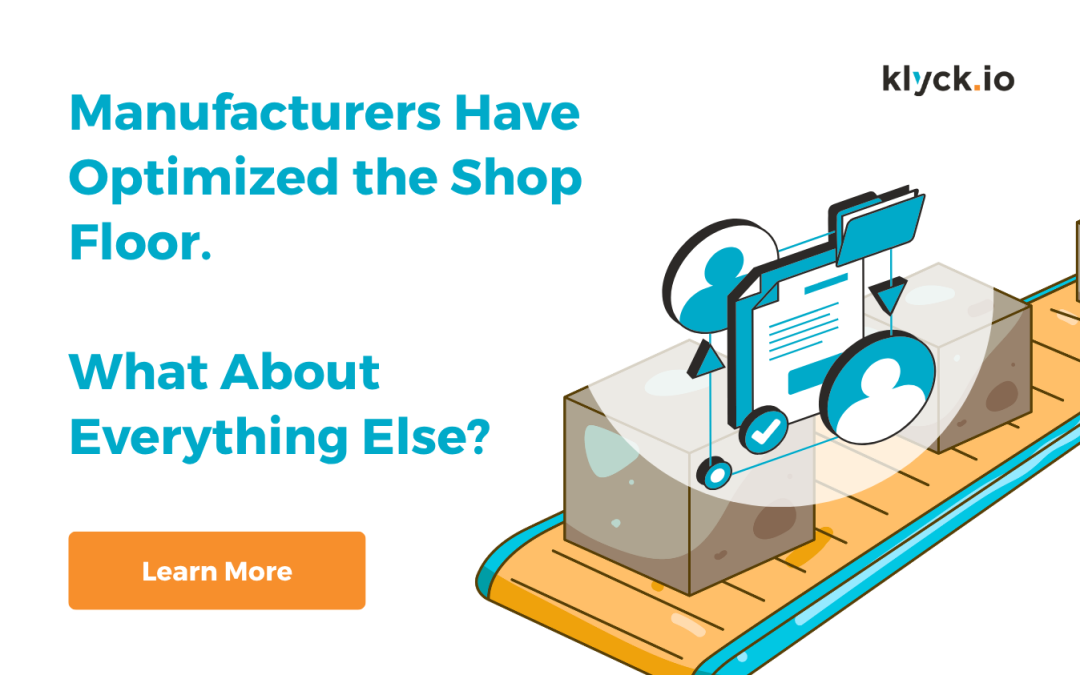
Manufacturers Have Optimized the Shop Floor
Manufacturers have spent decades improving the shop floor. Lean manufacturing, Six Sigma, automation, ERP, MES, quality systems and continuous improvement programs have transformed how production is managed. Processes are mapped. Standards are established. Cycle times are measured. Bottlenecks are identified. KPIs tell leaders whether performance is improving or slipping. Walk into a well-run manufacturing facility and there is a good chance the organization can tell you exactly what is happening on the production floor.
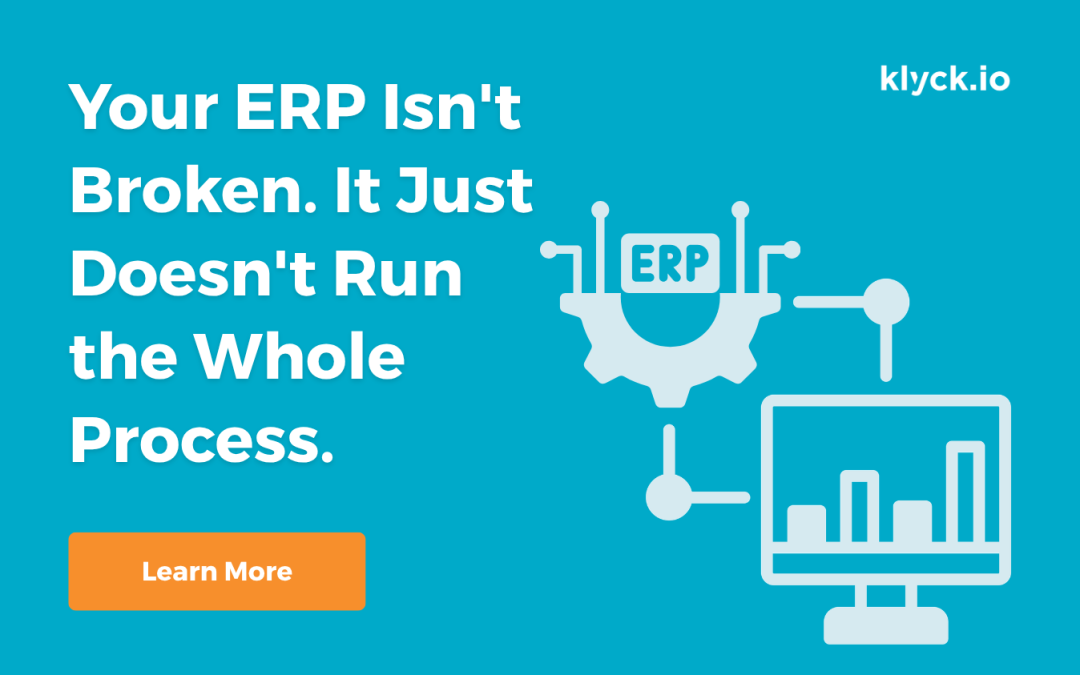
Your ERP Isn’t Broken. It Just Doesn’t Run the Whole Process.
ERP systems are very good at managing transactions. The problem is that many of your most important operational processes don’t begin and end inside the ERP.
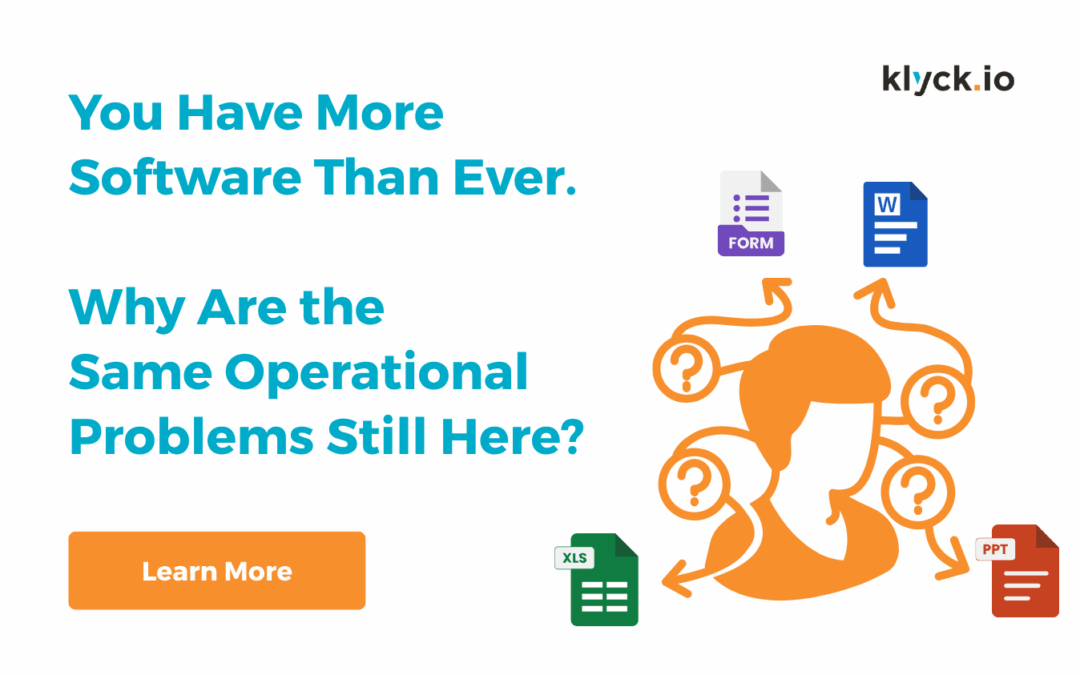
You Have More Software Than Ever. Why Are the Same Operational Problems Still Here?
Manufacturers have invested heavily in ERP, MES, QMS, collaboration tools and automation. Yet spreadsheets, manual workarounds, tribal knowledge and disconnected processes remain everywhere. Why?
How Teams Simplify SOP Approvals and Revision Control
Standard operating procedures are only effective when teams trust they are using the correct version.
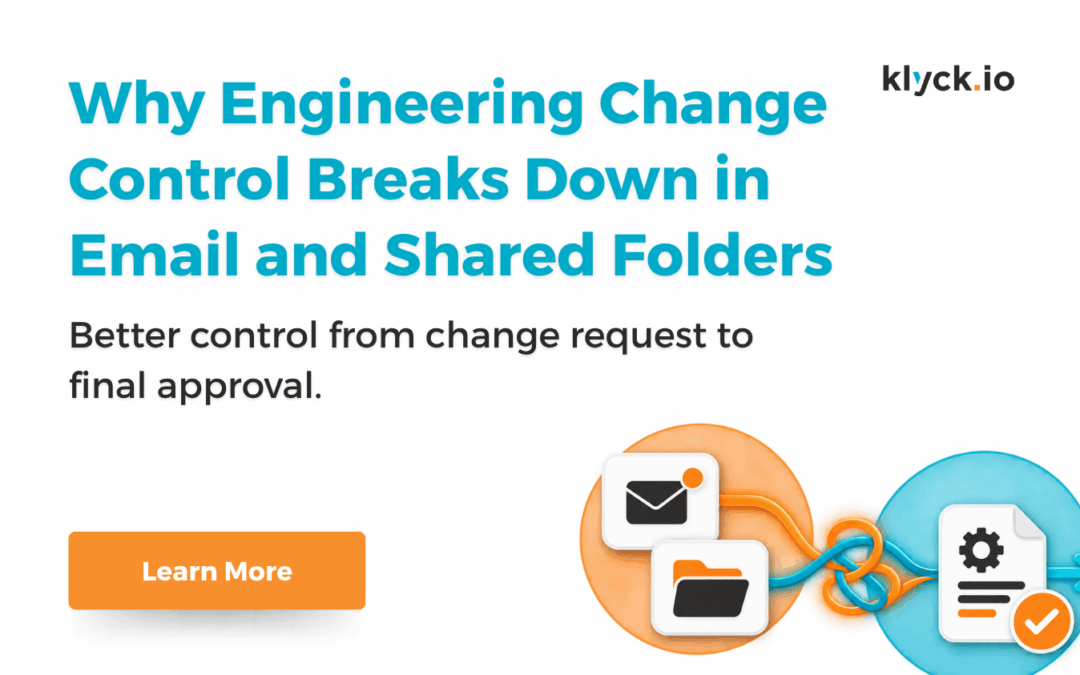
Why Engineering Change Control Breaks Down in Email and Shared Folders
Engineering change processes are rarely simple. Even small changes often require coordination between engineering, quality, operations, etc. But in many organizations, engineering change workflows still rely heavily on email approvals, spreadsheets and shared folders. As manufacturing operations grow, those manual processes become increasingly difficult to control. The result is often delayed approvals, version confusion and missing accountability.
Looking at Worldox replacement options?
See how modern document workflows can improve approvals, visibility, and document control across your organization.